Edit and annotate
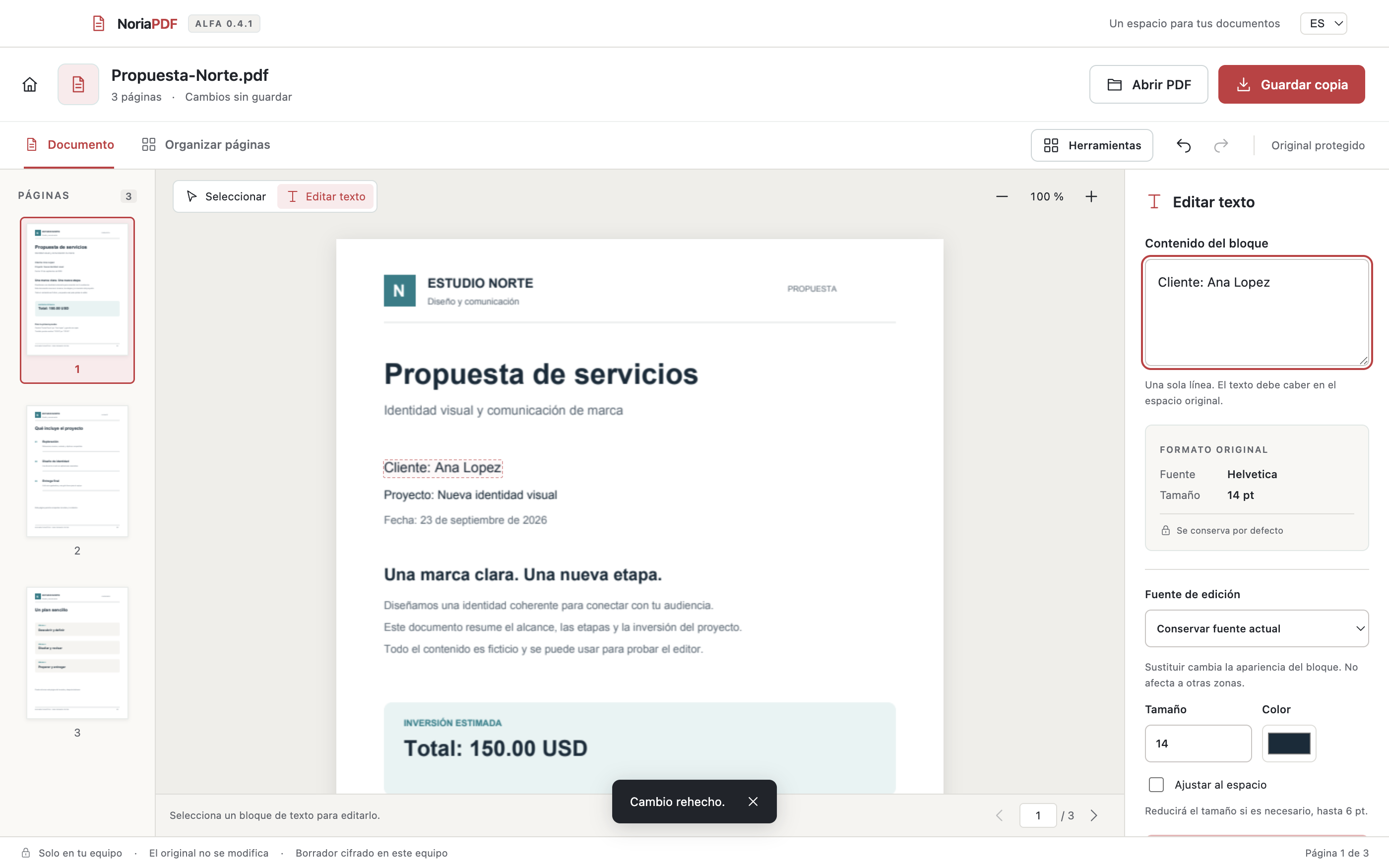
Change compatible text, add notes, highlight key details and complete supported forms.
 NoriaPDFEspañol
 In development · Mac and Windows
A simpler space to edit, convert and organize your documents. With your files on your device, not in a cloud.
We are refining the first release. No public download is available yet.
What we are building
Useful tools, together in a desktop editor. These features are part of our internal alpha and are still being tested.
Change compatible text, add notes, highlight key details and complete supported forms.
Bring JPG or PNG photos together in a PDF. Export pages to images while keeping their proportions.
Merge documents, reorder, rotate, remove or extract pages. Undo changes and save a copy.
Add a visual signature, page numbers or a watermark. Compress images and protect copies with a password.
A local editor
Editing, conversions and text recognition run on your Mac or PC. You do not need to upload PDFs to this website.
One step at a time
NoriaPDF has an internal alpha. We are reviewing compatibility, installation and everyday use before opening public downloads.
The commercial release, pricing and launch date have not been announced yet.
Not yet. The app is in internal testing. This website introduces the project; it does not offer purchases or installers for now.
Compatibility depends on the document, fonts, forms and permissions. Text editing is not universal. We are expanding our tests before launch.
Local OCR lets you search and copy recognized text in supported scans. It does not automatically turn an image into a fully editable document. Available languages depend on your system.
No. A visual signature is drawn or imported as an image. It is not a certificate-based digital signature.
This website has no document uploads, registration forms, analytics or tracking cookies. The server handles the technical requests needed to display the site.